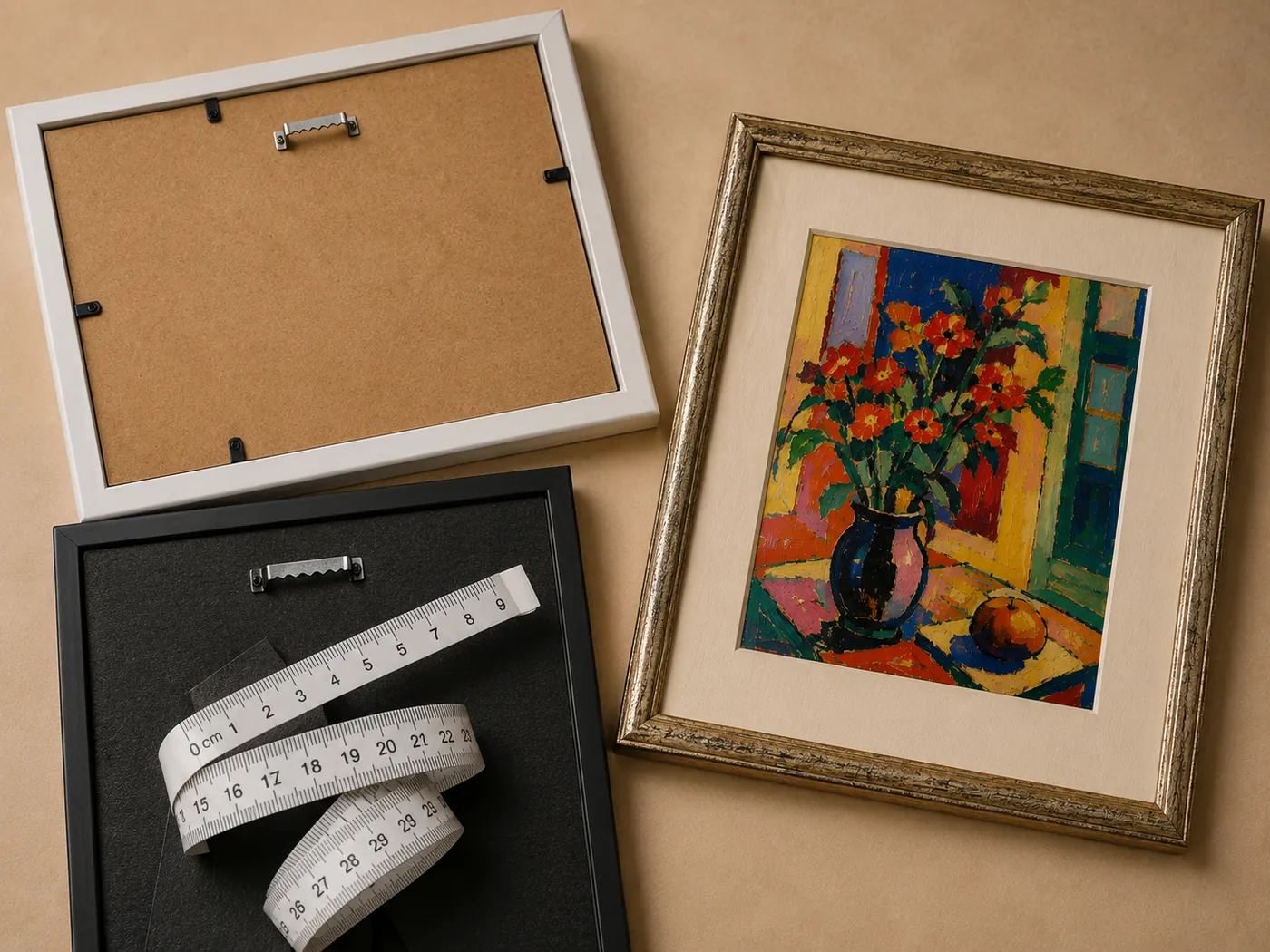


Change your mind about your wall.
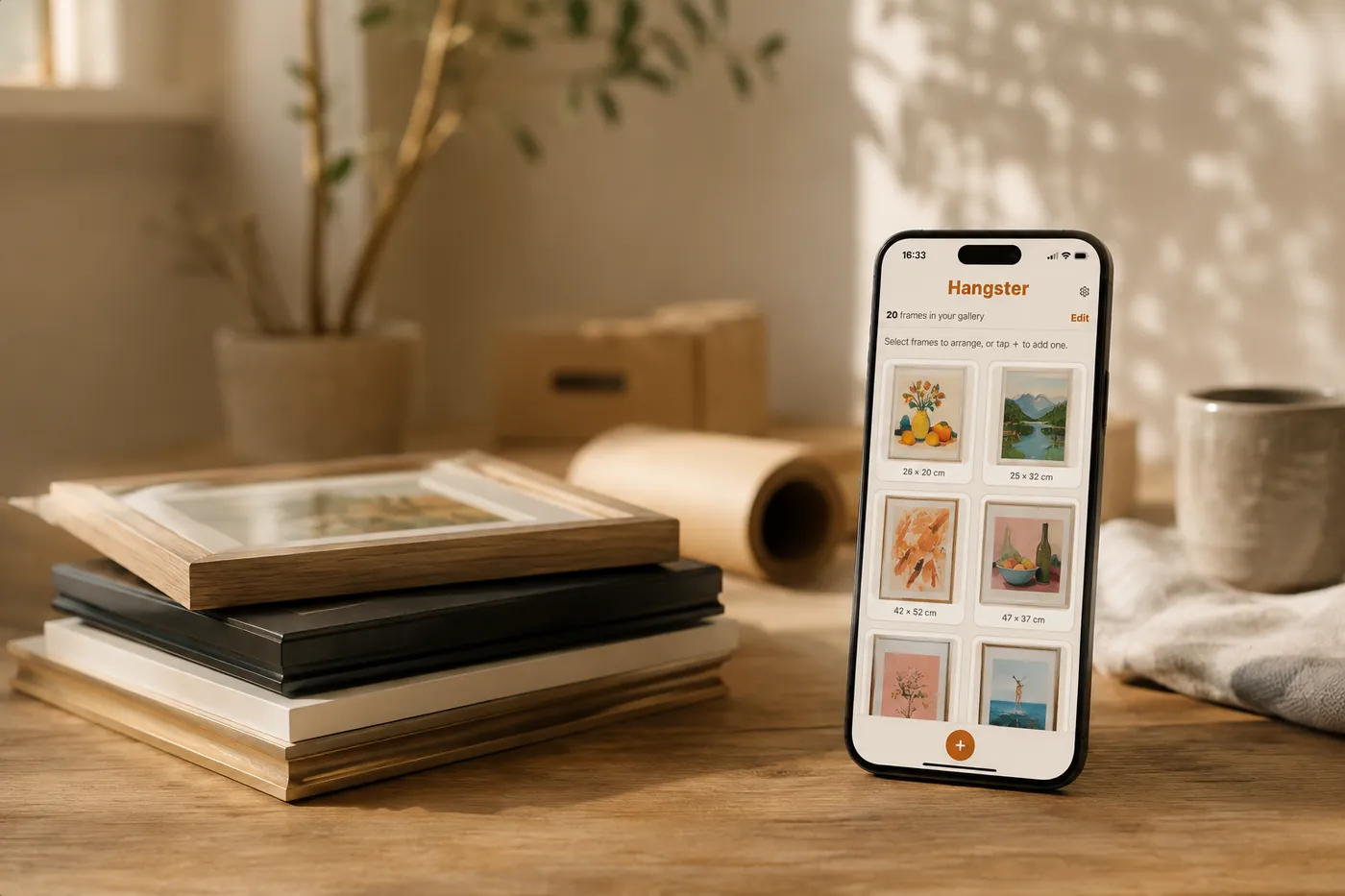
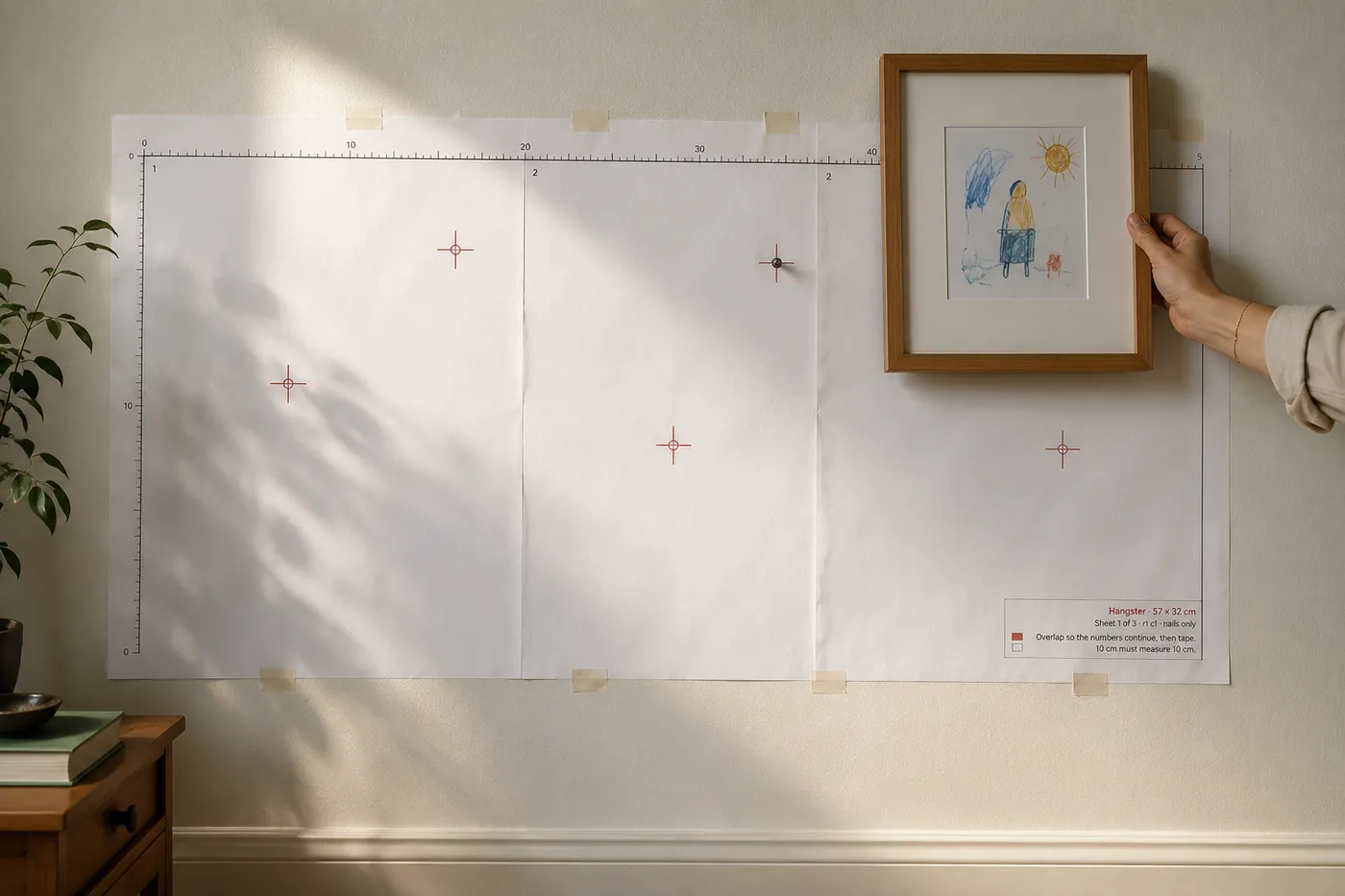
Photograph your frames, arrange them on your phone or desktop, and print a full-size paper template that shows exactly where every nail goes.

See it at true size
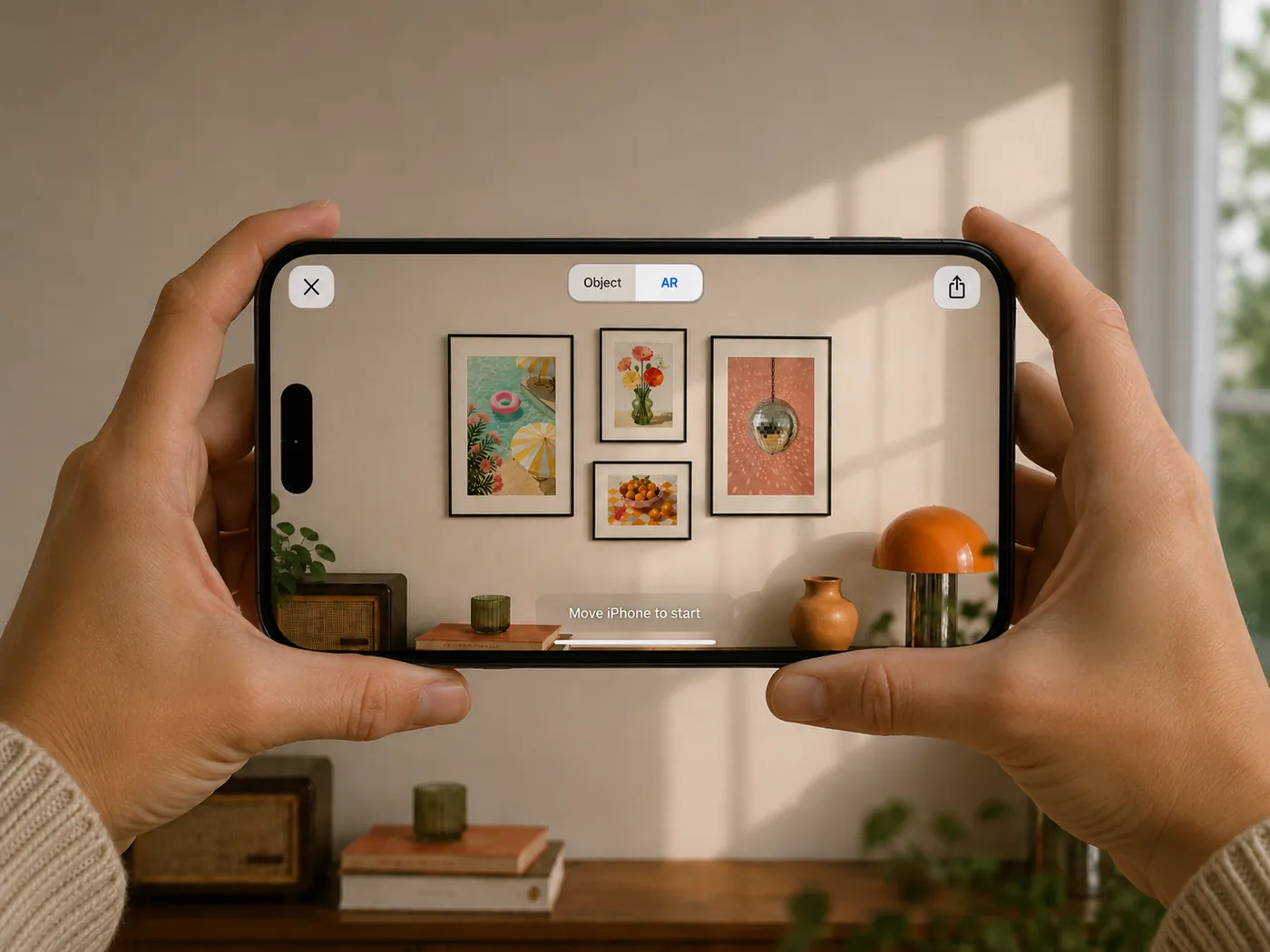
On your wall, at the size it would actually be.
Not a video of someone else’s room. Your wall, your light, the real dimensions. Before anything is permanent.
AR is for the decision. Paper is for the execution. Phone tracking drifts by a centimetre or two as you move, and across six frames that adds up. Paper doesn’t drift.

Scan to see it on your wall
Opens on your phone. iPhone or Android.
Two ways to do this
There is a proper way to do this. This is the fun way.
The proper way
- 01 Trace every frame onto paper.
- 02 Cut them all out.
- 03 Measure each hanger.
- 04 Mark each centre.
- 05 Tape them up.
- 06 Stand back. Adjust.
- 07 Do it again.
About an hour. Or more.
The fun way
- 01 Create your gallery.
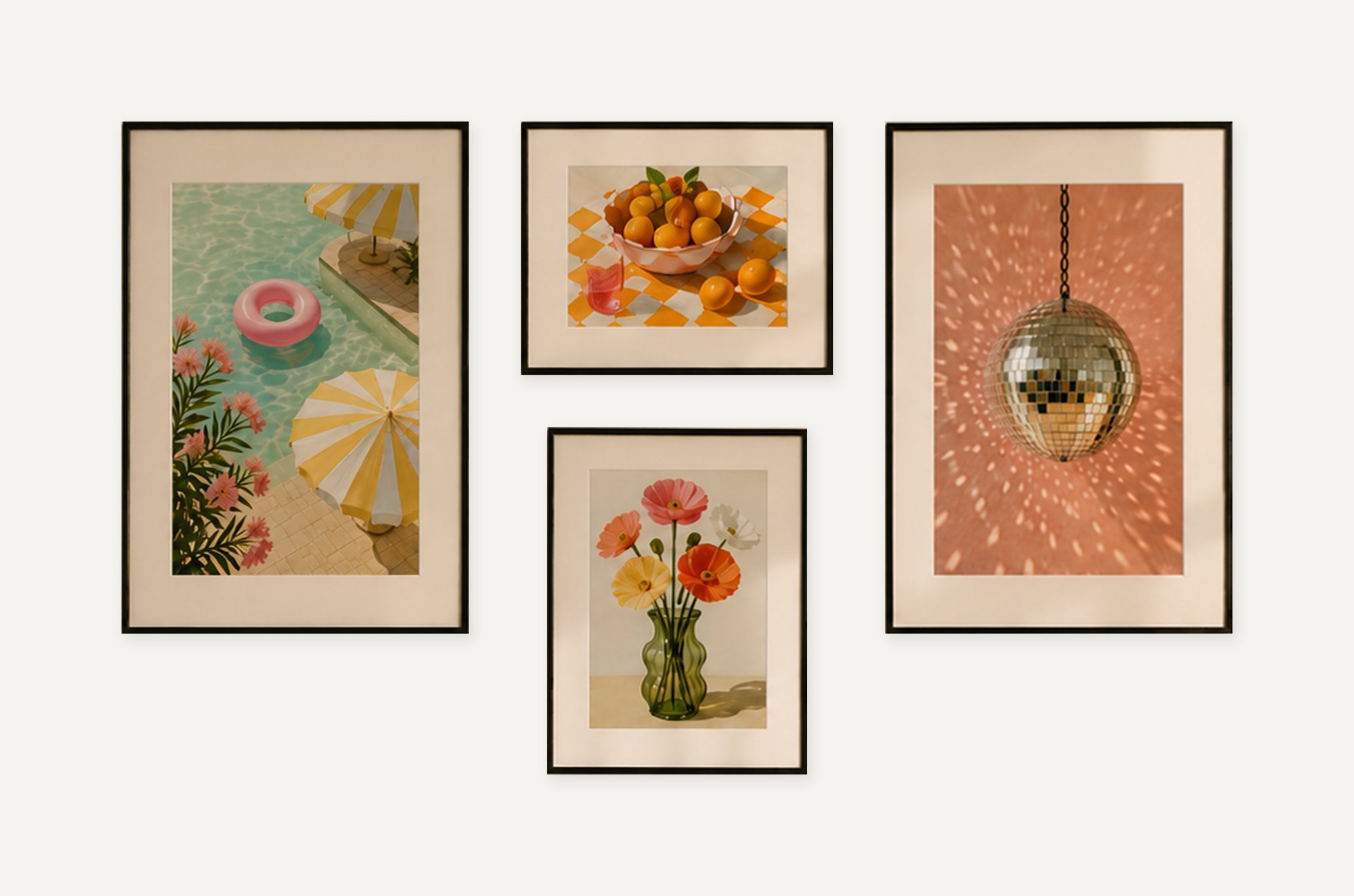
- 02 Play with arrangements. Preview them on your wall.
- 03 Print.
Five minutes, from a chair.
And the fun way is the accurate one.
The taste is yours. The millimetres are ours.
Before it’s permanent
Sleep on it. Show someone. Change it again.
Shuffle and preview as many times as you like. The wall only finds out once.
Which means you can settle where they go with whoever else lives there, by showing them, not describing it, and without a hammer in anyone’s hand.
Your frames are kept, so the next wall starts from where you already are.

Whose home it is
Everything here earned its place.
The good one. The charity-shop one. The drawing your kid did, in the cheap plastic frame.
A home is honed, not designed. It gets that way over years, by whoever lives in it.
The guarantee
Every sheet proves its own scale.
Check it before you trust it. Prints on A4 you already have, overlapped and taped, no cutting. Or one cheap sheet at any copy shop. Whichever paper it lands on, true size is true size.
Printed on every sheet
Questions
The ones that come up first.
Is it free?
Yes. Nothing to buy, no account, no paywall anywhere in it.
Do I need to install anything?
No. It runs in your browser, on the phone or computer you already have.
Will it work on my phone, or my laptop?
Both, and each is better at a different part.
A phone is better for the photographs, because it has a camera and you can work at the frames where they stand. A computer is better for arranging and printing: a bigger screen, and usually a printer nearby. What a computer does not have here is a camera, so it needs the photographs on it already.
One thing to know before you begin. Your frames stay in the browser you used them in and do not travel from one device to another. So unless the photographs are already on your computer, the phone is the place to do all of it.
What do I need before I start?
Your frames, a tape measure, a phone or computer, and a printer or a copy shop. The tape measure is the one that surprises people: you type each frame's width and height yourself, and Hangster works out the rest.
How does it know where the nail goes?
You photograph the back of the frame and put a dot on the hanger. From that, Hangster works out how far the hanger sits below the top edge. That distance is the thing people guess wrong, and it is what decides whether a picture ends up where you meant it.
Does it work with wire, or frames with two hooks?
Yes. One nail, two nails, or a wire, carried all the way through the arrangement, the wall preview and the printed template.
What paper do I need?
A-series, so no US Letter. A4 you already have is enough: sheets overlap and tape together with nothing to cut out. Or one large sheet at a copy shop, where it costs the cheapest tier they have, because the template is line art. Whichever paper it lands on, true size is true size. Taped A4 is not the lesser version.
How do I know the print came out the right size?
Every sheet carries a centimetre ruler and a line reading: 10 cm on the ruler must measure 10 cm. If not, reprint at 100%. Hold a ruler against it before you pick up a hammer. The proof arrives before you need to trust it.
Does it do inches?
Not yet. Centimetres only, everywhere in the product. It is on the list, and if it is the thing stopping you, tell us at hello@hangsterapp.com.
What happens to my photos?
Your frames stay on the device you used. Their photographs, their measurements and where the hanger sits are stored there and nowhere else.
When a photograph is squared up, your device crops it to the frame's edges first, so the room around it never leaves at all. What is sent back is corrected, returned and deleted straight away rather than kept. Building the wall preview sends the frame images to make the AR file, and that file is deleted after thirty minutes.
No accounts, no email addresses, no passwords, and nothing goes to anyone else.
Where are my frames kept, and how long do they last?
In your browser's own storage, on the device you used. There is no expiry and nothing is deleted on a schedule, so they stay for as long as you keep them.
Two things can remove them. Clearing your browsing data clears them, and a browser very short of space can decide to clear them itself. Hangster asks to be exempt from that and most browsers agree, but it remains the browser's decision.
They do not move between devices. Frames photographed on a computer will not appear on your phone, and there is no account to carry them.